
Executable nodes
129+
Events, markets, indicators, logic, risk, execution, and chart output.
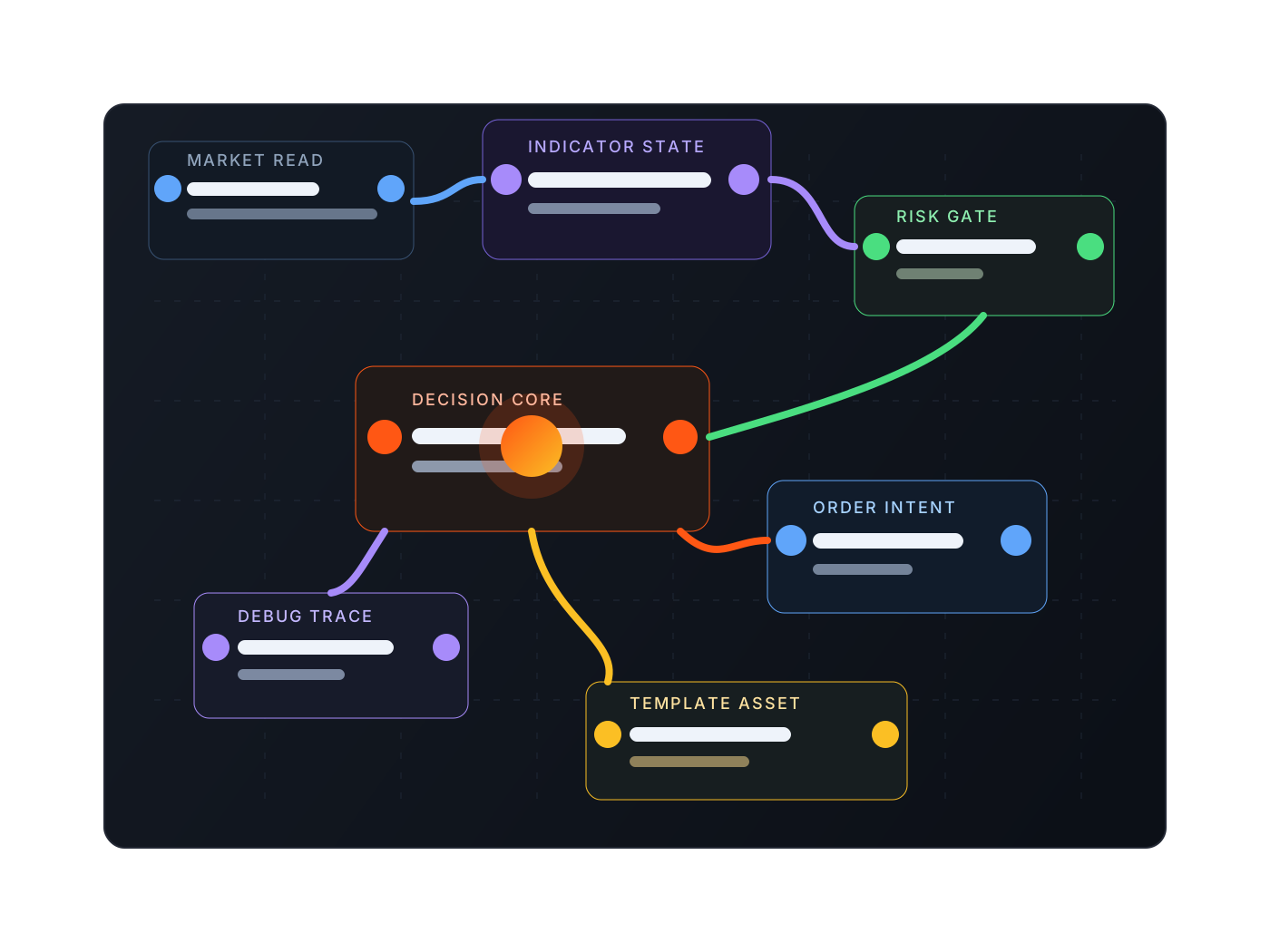
The blueprint engine keeps market reads, indicators, branches, risk guards, order intent, and chart feedback on one canvas, giving each strategy a clear path from idea to validation and execution.
Executable nodes
129+
Events, markets, indicators, logic, risk, execution, and chart output.
Built-in templates
10+
Breakout, grid, martingale, trend, and range systems as starting points.
Runtime modes
3
backtest, paper, and live share one runtime entry.
Indicator modules
36+
EMA, ATR, ADX, VWAP, MACD, RSI, and other modules can be assembled directly.
They break trading judgement into connected, debuggable, reusable nodes: market sources, indicators, state checks, exposure controls, order intent, exit rules, and chart annotations can all be inspected inside the desktop client.
01 / Blueprint
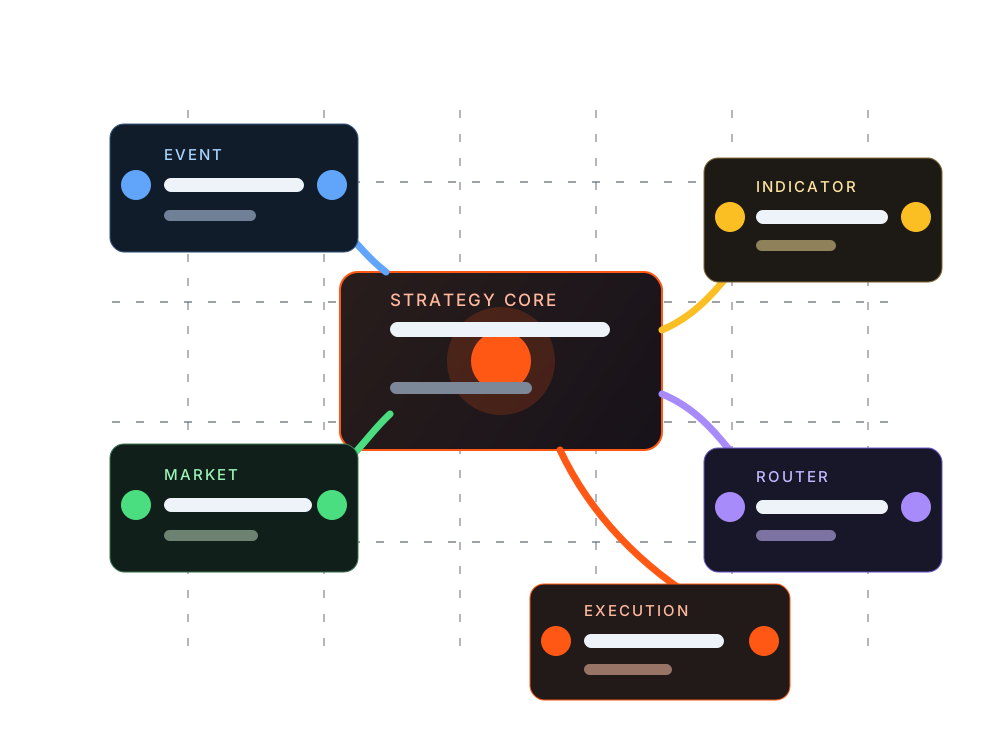
Event, market, indicator, logic, risk, and execution nodes connect on one canvas, making strategy structure visible while leaving room to grow from simple conditions into branched systems.
02 / Blueprint
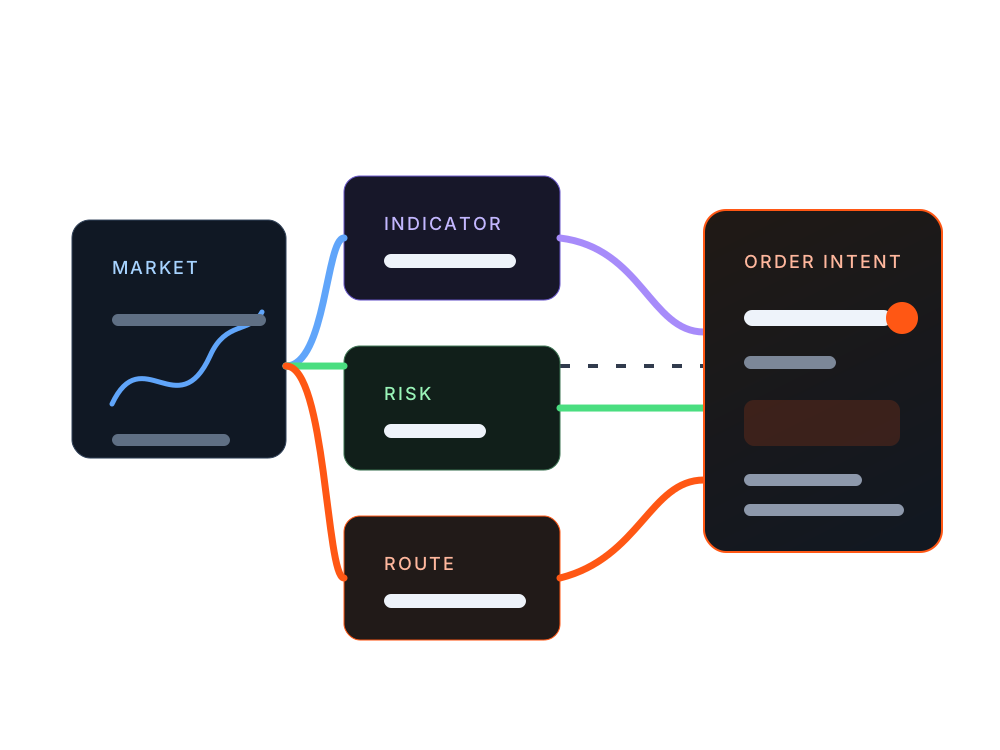
Blueprints separate market:read, trade:intent, and chart feedback. The system can produce reviewable order intent before it reaches paper or live execution.
03 / Blueprint
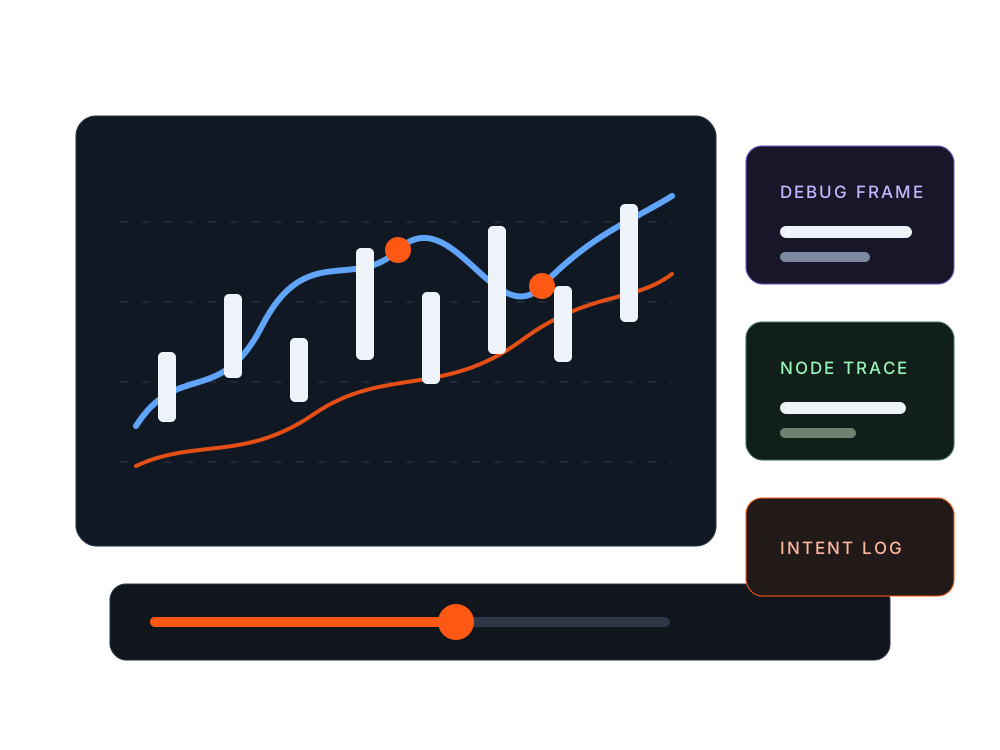
Backtests are more than an equity curve. The runtime can replay node state, order intent, and chart annotations bar by bar, showing why a strategy entered or skipped.
04 / Blueprint
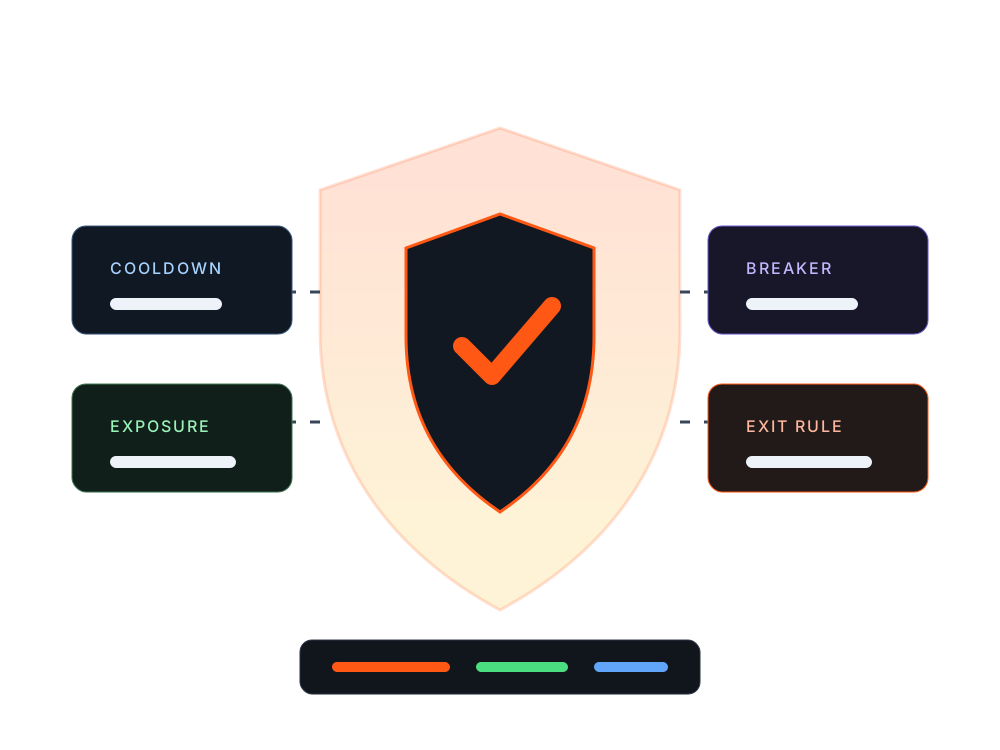
Cooldowns, rate limits, max exposure, ATR stops, circuit breakers, and exit conditions can sit before order placement instead of being explained after the report.
05 / Blueprint
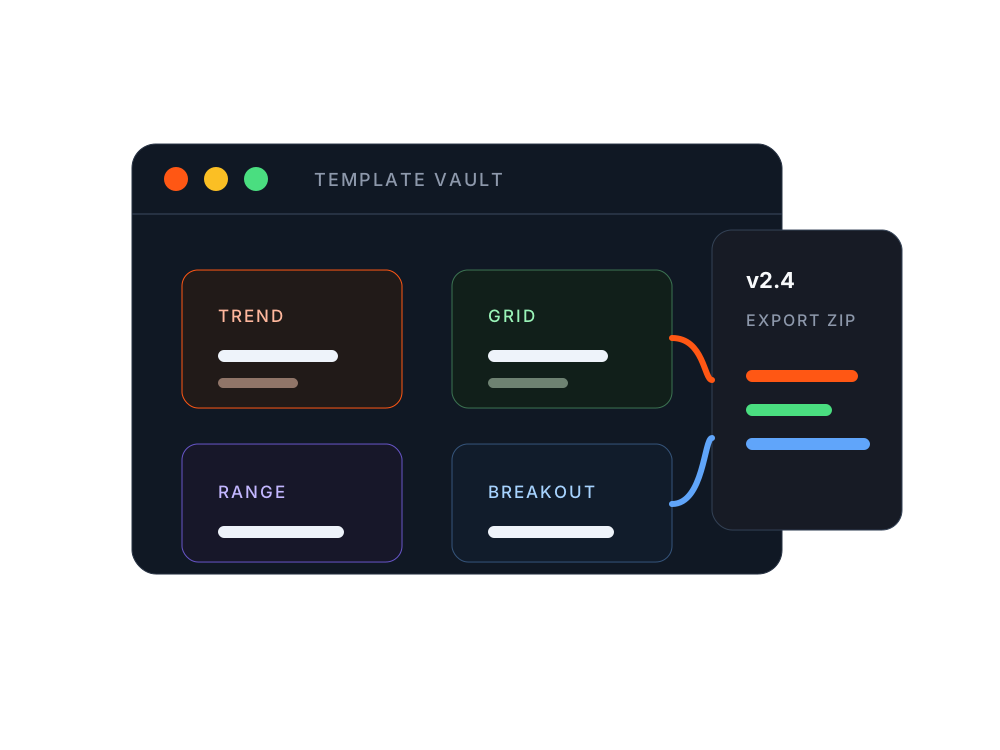
Blueprint templates can be imported, exported, and versioned so teams can turn reusable strategies, parameter presets, and chart styles into maintainable assets.
The runtime reads market context first, then processes indicators, state, risk, and order nodes. Each mode shares the same structure, reducing rewrites from research to execution.
Collect inputs from exchange services, candle series, account snapshots, and positions.
Run EMA, ATR, trend state, branch conditions, and variable updates inside the node graph.
Check cooldowns, exposure, frequency, and circuit breakers before producing order intent.
Move the same structure into backtest, paper, or live while keeping debug frames as evidence.
The blueprint engine works best when risk is part of the strategy structure instead of an explanation after the equity curve.
Control repeated triggers and excessive order intent frequency.
Check max exposure, direction, and position context before orders are formed.
Place loss cooldowns, ATR exits, take-profit logic, and abnormal-state breakers before execution.
Keep order intent, runtime state, and debug frames for review and team audits.
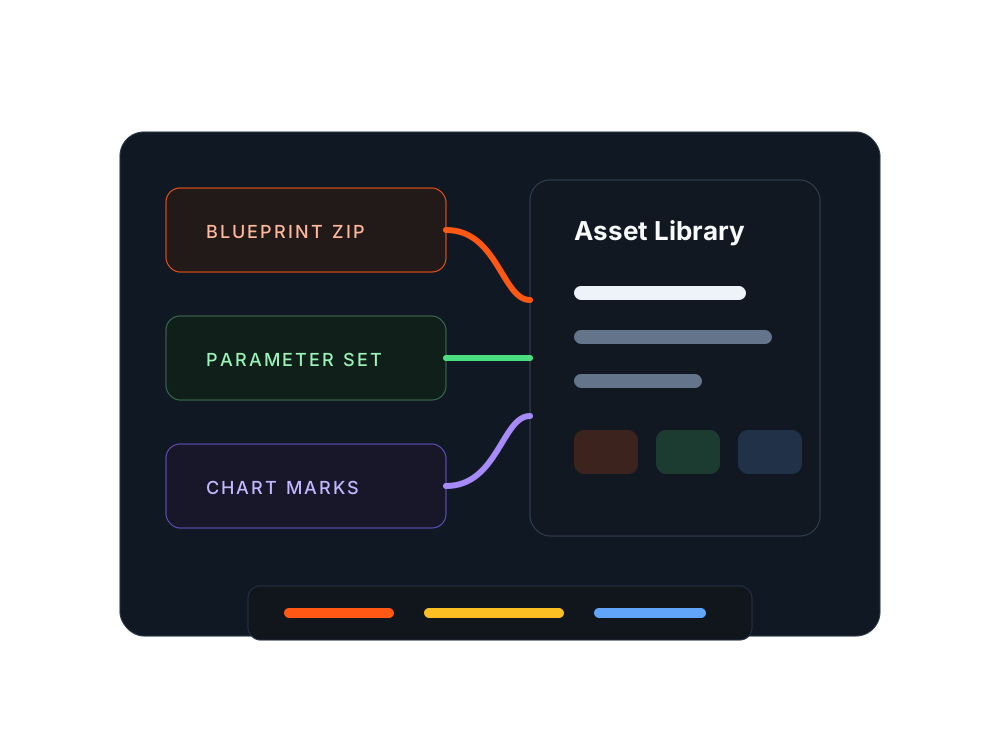
Templates, parameters, chart marks, and node structures can become versioned assets that later feed the extension layer or team knowledge base.
Start from breakout, grid, trend, range, and other templates instead of rebuilding from zero.
Use blueprint packages to back up, move, and share strategy structures.
Write entries, exits, state changes, and debug output back into the chart view.